
Get complete details about Xoomstv IPTV including features, subscription pricing, setup guide, supported devices, payment methods, and alternatives.
What is Xoomstv IPTV?
Xoomstv IPTV is an Internet Protocol Television (IPTV) service that delivers live TV channels, movies, TV shows, and sports content over the internet instead of traditional cable or satellite connections. Users can stream thousands of international and local channels directly on Smart TVs, smartphones, tablets, Firestick, Android boxes, and PCs.
Unlike conventional broadcasting methods, IPTV services like Xoomstv allow users to watch content on demand and access global entertainment with flexible subscription plans.
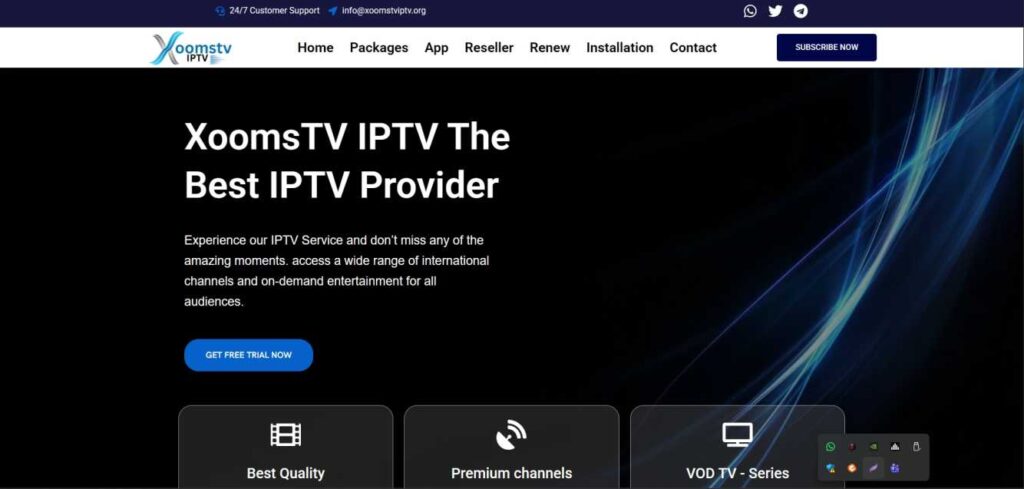
Features :
- Extensive Channel Library – Access to thousands of live TV channels worldwide.
- HD & 4K Streaming – High-quality video streaming with minimal buffering.
- VOD (Video on Demand) – Large collection of movies and TV series.
- Multi-Device Compatibility – Works on Android, iOS, Firestick, Smart TVs, MAG devices, and PCs.
- EPG Support – Electronic Program Guide for easy channel navigation.
- Sports Coverage – Live streaming of major sports events.
- Fast Servers – Optimized servers for stable performance.
Pros & Cons :
Pros :
- Affordable subscription plans
- Large global channel selection
- High-quality streaming (HD/4K)
- Supports multiple devices
- Easy setup process
Cons :
- Internet-dependent service
- Streaming quality depends on connection speed
- May not be available in all regions
- Customer support response time may vary
Pricing :

- 1 Months = $12.99
- 3 Months = $40.99
- 6 Months = $70.99
- 12 Months = $135.99
Installation Guide :
For Android & Firestick
- Install an IPTV player such as IPTV Smarters or TiviMate.
- Open the app and choose “Login with Xtream Codes API.”
- Enter the username, password, and server URL provided after subscription.
- Click Login and start streaming.
For Smart TV
- Download an IPTV app from your TV’s app store.
- Enter the M3U playlist or Xtream Codes details.
- Save and refresh channels.
For PC
- Install VLC Media Player or IPTV software.
- Upload the M3U playlist file.
- Start watching live channels.
Payment :
- Credit/Debit Cards
- PayPal
- Cryptocurrency (in some cases)
- Online payment gateways
Free Trial :
Some IPTV providers offer a 24-hour or limited-time free trial to test service quality before purchasing a subscription. Availability may vary, so it’s recommended to request a trial before committing to a long-term plan.
Customer Support :
- Email support
- Live chat
- WhatsApp (in some cases)
- Ticket-based system
Best IPTV Alternative :
Conclusion :
Xoomstv IPTV provides a feature-rich streaming solution for users looking to replace traditional cable TV with an internet-based service. With thousands of channels, VOD content, and multi-device compatibility, it can be a cost-effective entertainment option. However, users should verify service reliability, legal compliance in their region, and internet speed requirements before subscribing.
FAQ’s :
1. What is XoomsTV IPTV?
It is an online TV streaming service that provides live channels and on-demand content via the internet.
2. What devices support XoomsTV?
It works on Android devices, Smart TVs, Firestick, and IPTV player apps.
3. Do I need a VPN?
A VPN is optional but can improve privacy and streaming stability.
4. What internet speed is required?
At least 10 Mbps for HD streaming is recommended.
5. How to fix buffering issues?
Restart your device, check internet speed, or use a wired connection.